Best Offline Voice Recorder for iPhone in 2026: Record, Transcribe & Chat with AI
Looking for the best offline voice recorder for iPhone? We compare AI Local Recorder against Apple Voice Memos, Otter.ai, and Notta. Find out which app offers real AI transcription, chat with recordings, and complete privacy — all without internet.
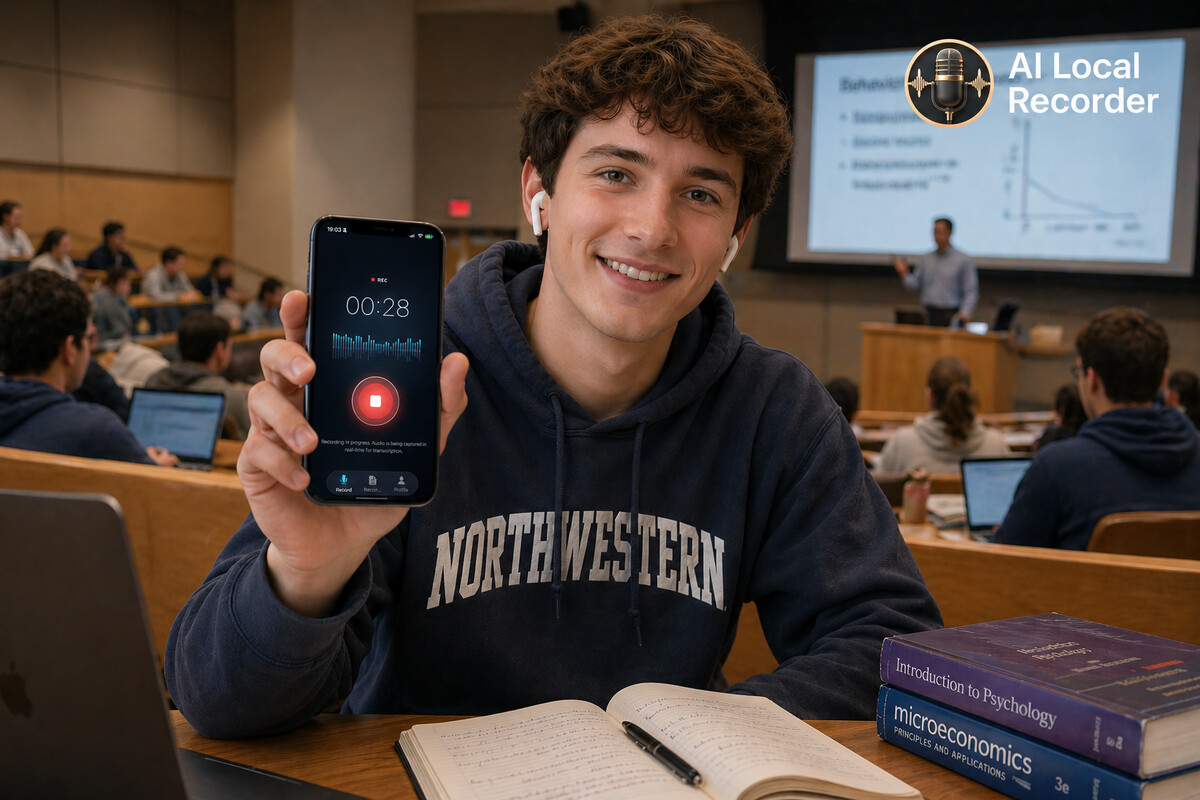
The Best Offline Voice Recorder for iPhone in 2026
Let's be honest — the built-in Voice Memos app on your iPhone is fine for quick notes. But if you need to record meetings, lectures, interviews, or doctor visits and actually do something useful with the recording, Voice Memos falls short.
In 2026, there are several options. We tested the top contenders to find the best offline voice recorder for iPhone.
The Contenders
| App | Price | Offline | AI Transcription | Chat with Recording | Export |
|---|---|---|---|---|---|
| AI Local Recorder | $4.99 one-time | ✅ Full | ✅ On-device AI | ✅ Yes | ✅ Multiple formats |
| Apple Voice Memos | Free | ✅ Yes | ❌ No AI | ❌ No | ✅ Basic |
| Otter.ai | Free/$8.99/mo | ❌ Cloud-only | ✅ Yes | ❌ No | ✅ Yes |
| Notta | Free/$9.99/mo | ❌ Cloud-only | ✅ Yes | ✅ Basic | ✅ Yes |
How They Compare
Apple Voice Memos (Free)
The default option. It records audio, stores it locally, and lets you trim and share. That's about it.
Pros: Free, simple, already on your iPhone, fully offline. Cons: No transcription, no AI, no search, no chat with recordings. You have to manually replay audio to find anything.
Best for: Quick voice memos and reminders where you don't need to reference the content later.
Otter.ai (Free / $8.99 per month)
Otter.ai is popular for meeting transcription. It provides real-time transcription and speaker identification.
Pros: Accurate transcription, speaker labels, integrates with Zoom/Google Meet. Cons: Cloud-only — your audio is uploaded to their servers. Requires internet. Subscription pricing adds up. No chat with your recordings.
Best for: Teams that need meeting transcription with cloud collaboration.
Notta (Free / $9.99 per month)
Notta offers similar features to Otter.ai with some AI summarization capabilities.
Pros: Good transcription accuracy, AI summaries, meeting integration. Cons: Cloud-only processing. Requires monthly subscription. Basic AI chat feature but limited.
Best for: Business users who need cloud-based meeting transcription with summaries.
AI Local Recorder ($4.99 one-time)
The only app on this list that combines offline recording with on-device AI.
Record: Capture high-quality audio at 16kHz, even in noisy environments. Transcribe: One tap to transcribe. Supports 8 languages: English, Chinese, Japanese, Korean, Spanish, German, French, Arabic. Chat: This is the killer feature. After recording, you can ask questions about the content. "What was the meeting conclusion?" "What did the doctor say about my medication?" AI reads the transcript and answers in seconds. Search: All recordings are fully searchable by keyword across your entire library. Privacy: Everything stays on your device. No uploads, no cloud processing, no data leaks.
Pros: One-time purchase, fully offline, on-device AI, chat with recordings, multi-language transcription, privacy-first. Cons: Only available on iPhone (iOS 26.4+), cloud sync not yet available.
Best for: Anyone who values privacy, needs AI transcription without subscription fees, and wants to interact with their recordings naturally.
Why Offline Matters
Every time you upload audio to a cloud service for transcription, you're sending your private conversations to someone else's server.
- Meetings: Confidential business discussions, strategy sessions, client calls
- Medical visits: Personal health information, diagnoses, medication details
- Legal consultations: Attorney-client privileged conversations
- Academic research: Unpublished findings, sensitive interview data
With cloud-based apps like Otter.ai and Notta, your audio is processed on remote servers. Their privacy policies may promise protection, but the data still leaves your device.
AI Local Recorder keeps everything local. The recording, the transcription, and the AI model all run on your iPhone. Nothing ever leaves.
The Verdict
If you just need a simple voice memo, Apple Voice Memos is fine. If you're part of a team that needs cloud-based meeting transcription and you trust the service with your data, Otter.ai or Notta could work.
But if you want the best offline voice recorder for iPhone with real AI features — transcription, chat with recordings, search, and complete privacy — AI Local Recorder is the clear winner at just $4.99 one-time.
No subscription. No cloud. Your data stays yours.
Try AI Local Recorder on the App Store. Record once. Ask anything.
Related Articles
Walked Out of the Doctor's Office and Already Forgot? Record, Then Ask
Doctor visits are short and full of information. Here's how to record the conversation and ask questions about your visit — no need to replay the whole thing.
Recording Lectures on iPhone: A Student Guide to Offline Transcription
Tired of scrambling to write down everything your professor says? Here's how to record lectures on iPhone and get instant transcripts — no WiFi needed.
How to Use AI Local Recorder for Meeting Notes (No Internet Needed)
Stop worrying about missing key points in meetings. AI Local Recorder works 100% offline — record, transcribe, and search your meeting notes anytime, anywhere.