Learn a Language — Make Your Own Vocabulary Cards
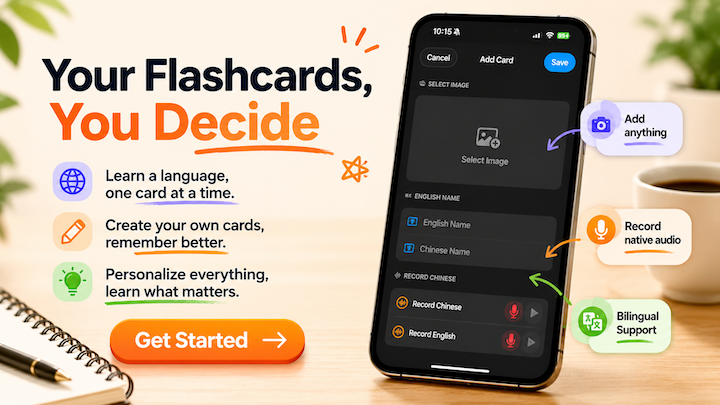
Learn a Language, One Card at a Time
TL;DR: Make your own vocabulary cards with your own photos and voice — the Generation Effect means self-made cards stick far better than pre-made decks. Baby's First Cards lets you create custom cards with real photos and recordings, so every word connects to your child's real world.
Make your own cards. Remember every word.
Have you ever tried learning a language by buying a vocabulary book and memorizing from A to Z? By the time you got to C, you'd already forgotten A.
Or maybe you've used flash card apps with pre-made decks — hundreds of words, but none of them connected to anything you actually see or use.
The problem isn't your effort. It's that the words aren't connected to your world.
Why cards you make yourself stick better
Cognitive science calls this the Generation Effect — when you create information yourself instead of passively receiving it, your brain encodes it deeper and remembers it longer.
This is why handwriting vocabulary cards works better than reading a word list. But handwriting has problems:
- Writing 100 cards by hand is exhausting. 500 is impossible
- No way to add pronunciation — you might be memorizing it wrong
- A stack of paper cards is bulky and easy to lose
- No spaced repetition system — you have no idea what you've actually learned
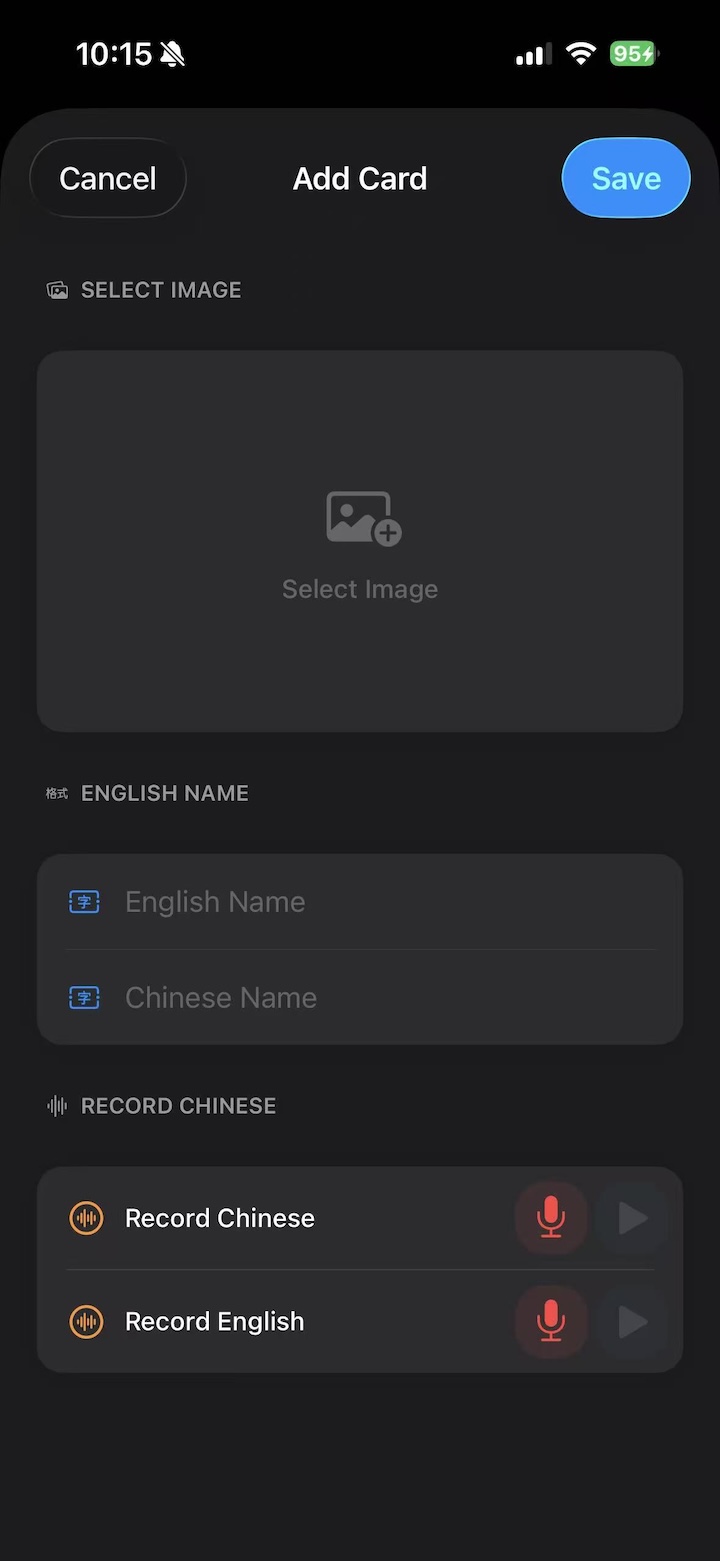
Baby's First Cards brings the "make your own cards" approach to your phone. Take a photo, record your voice, create a card — all in under a minute.
How to use Baby's First Cards for language learning
Three simple steps:
Step 1: Take a photo
At the grocery store, take a photo of the apples you're buying. At a cafe, snap your latte. Walk past an interesting street sign — photograph it.
These are things you see every day. Turn them into your personal vocabulary.
Step 2: Record the pronunciation
Use the app's voice recording feature to record how to say the word. You can record your own voice, or ask a native speaker friend to help.
The bonus? You can play back your recording and compare it to the correct pronunciation, training your ear and your mouth at the same time.
Step 3: Review daily
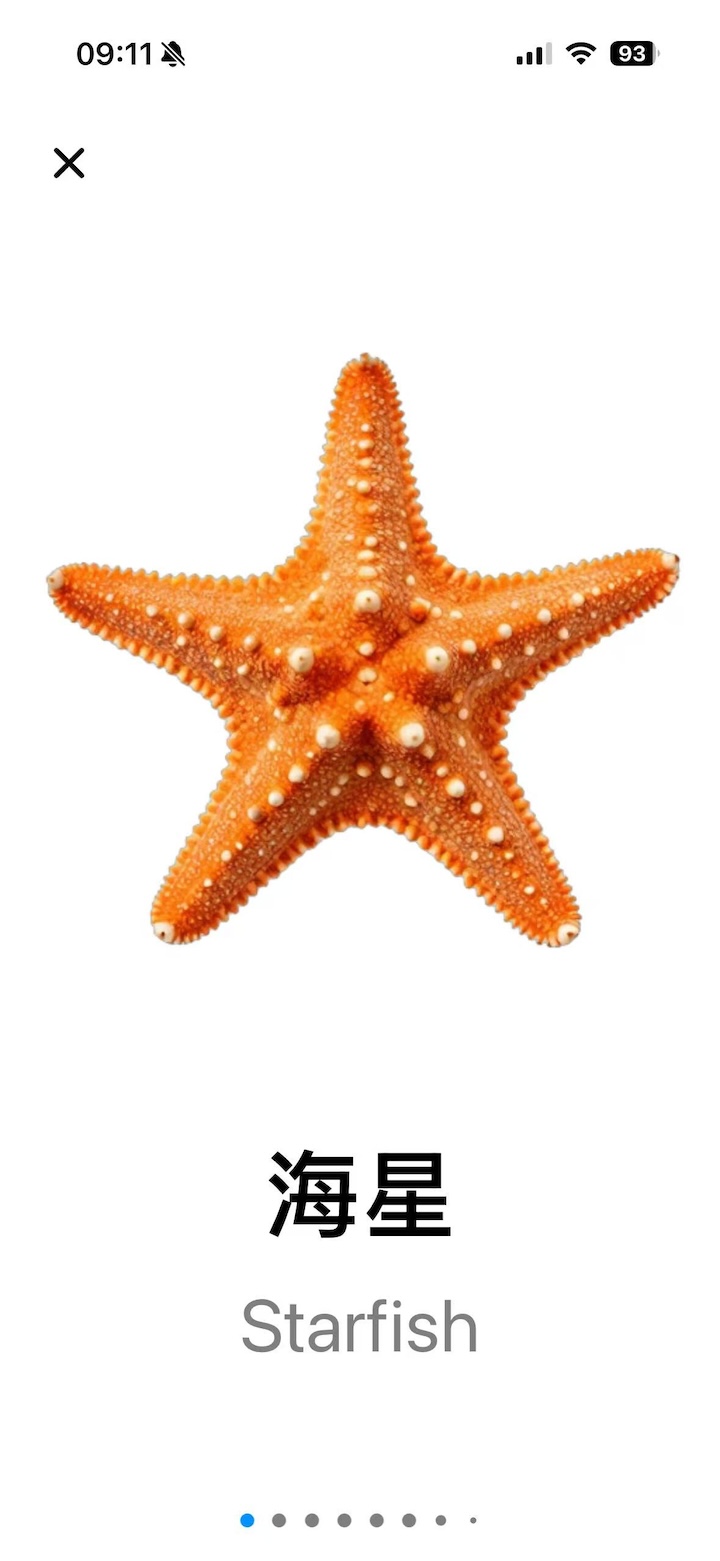
Open the app, flip through your cards. See the photo, recall the word, tap to confirm. No distractions, no notifications.
The app has built-in bilingual mode (English/Chinese) — especially useful for Chinese learners and English learners alike.
Who should use this approach?
- Chinese speakers learning English: Photograph things around your house — refrigerator, washing machine, air conditioner. Everyday words you actually use, one photo at a time
- English speakers learning Chinese: Shoot street signs, menus, product labels. Every photo becomes a living vocabulary card
- Travelers: Before a trip, create cards for essential phrases — restaurant, hotel, asking directions, ordering food. Ready to use when you arrive
- Bilingual families: Each parent records in their native language, kids learn both naturally
Why Baby's First Cards instead of other flash card apps?
Because you make the cards yourself.
Most flash card apps give you pre-built decks. Hundreds of words, but none of them personally meaningful.
Baby's First Cards was originally designed for babies, but its core features — photograph, record, customize — make it surprisingly powerful for adult language learners:
- Fully offline — study on the subway, in a cafe, anywhere. No internet needed
- No ads, no notifications — open the app and it's just you and your cards
- No subscription — one purchase, use it as long as you want
- Simple — no complex SRS algorithms or statistics. Just cards, recall, and repetition
Start with one card
Learning a language doesn't need a grand plan.
On your way home today, notice something interesting. Take a photo. Spend 30 seconds making a card. In a week, you'll have dozens of cards — each one connected to something real in your life.
These aren't words copied from a textbook. They're things you've encountered in the real world.
That's how memory works best.
Download Baby's First Cards on the App Store | Free, with optional themed packs
The screenshots in this article show Baby's First Cards, available for free on the App Store.
