Recording Lectures on iPhone: A Student Guide to Offline Transcription
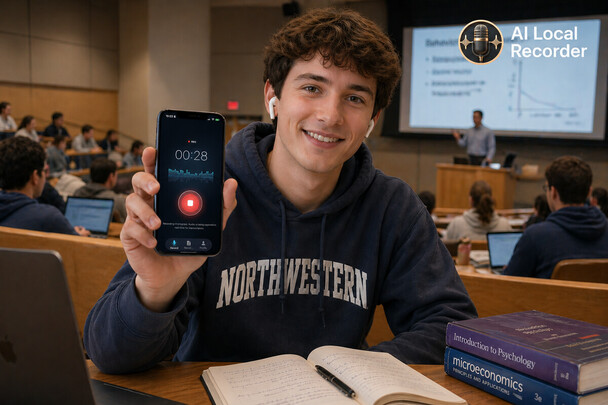
The Problem with Taking Notes in Class
TL;DR: Recording lectures only helps if you can search them — replaying 90 minutes is pointless. Use offline transcription: record in class, get searchable text in 8 languages, no WiFi needed, nothing uploaded. Read, search, and review instead of re-listening.
If you have ever taken a university lecture, you know the struggle. The professor talks faster than you can type. You try to write down one point, and by the time you look up, three more have passed. By the end of class, your notebook looks like a cryptic puzzle.
Voice recording apps help - you can record and listen later. But who has time to replay a 90-minute lecture? What you actually need is a recording that can be read, searched, and understood without re-listening to the whole thing.
And it needs to work without internet. Campus WiFi is not always reliable. Library basements, old lecture halls, crowded cafeterias - none of these guarantee a stable connection.
How AI Local Recorder Changes the Game
AI Local Recorder is an iPhone app that records, transcribes, and processes everything on your device. No uploads, no waiting, no WiFi required.
1. Open and Tap Record
Open the app and tap the red record button. That is it. No account setup, no subscription screen, no ads. The app records at 16kHz quality - clear enough for accurate transcription even in a noisy lecture hall.
2. Record Your Lecture
Place your phone on the desk or hold it naturally. The app handles background noise well.
3. Stop and Get Instant Transcription
When the lecture ends, stop the recording. AI Local Recorder immediately transcribes the audio into text - entirely on your iPhone.
4. Ask Questions About the Lecture
Instead of scrolling through text or scrubbing audio, type a question:
What was the main argument of today's lecture? List the three theories the professor mentioned What homework was assigned?
The AI reads the transcript and answers in seconds.
5. Export Before Exams
Export transcripts as text. Search all recordings by keyword.
Supported Languages
8 languages: Chinese, English, Japanese, Korean, Spanish, German, French, and Arabic.
Privacy Matters on Campus
Everything stays on your phone. Recording, transcript, AI processing - nothing leaves your device.
Is It Worth $4.99?
- Otter.ai: $16.99/month, needs internet
- Notta: $13.99/month, needs internet
- Built-in Voice Memos: Free, no AI features
- AI Local Recorder: $4.99 one-time, offline, full AI
Give it a try. Worst case, you have a solid voice recorder for five bucks.
🎯 Try It Now
AI Local Recorder — Record meetings, lectures, and ideas. AI transcribes offline. Chat with your recordings. Zero uploads, zero subscriptions.
